
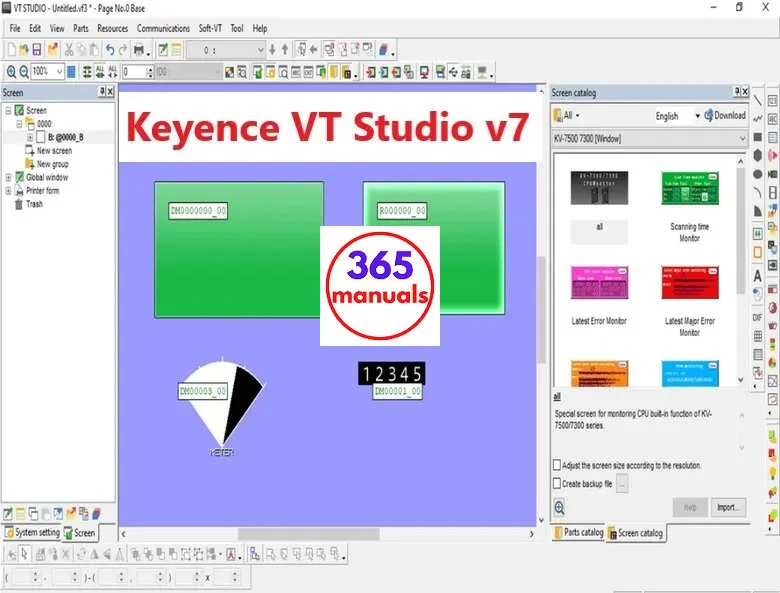
Today, I bring to you the Keyence HMI Software. As can be seen, VT Studio v7 is an Automation software – Keyence HMI Programming software. Certainly, the VT Studio v7 supported all Keyence HMI series from VT1 to VT5 touch panel display. Download HMI software on 365manuals.

Keyence HMI Software Download – System requirements
Firstly, to install and use the HMI Programming software – VT Studio v7 we need the:
- Operating system: Windows 11/10/8.1/8 and Windows 7 (SP1 or later) with USB or Ethernet interface. However, if you used Windows XP please use VT Studio v4
- CPU; Memory capacity: recommended by Microsoft Corporation for Windows OS.
- Display unit: Resolution: 1024 × 768 dots, High Color (16 bits) or higher
- Free space (HDD/SSD): VT STUDIO (Japanese version): 4GB or more and VT STUDIO v7 (Global version): 8GB or more
- In addition, a video card with 256 MB or more VRAM is required to use the VT simulator.
Keyence HMI supported on VT Studio v7
Above all, the Keyence HMI software - VT studio v7 supports the latest HMI touchscreen display series of Keyence HMI.

- Firstly, the Keyence HMI VT-5 series: VT5-X15, VT5-X12, VT5-X10, VT5-W10, VT5-W07, VT5-W07M, Soft-VT
- Secondly, the Keyence HMI VT-3 series: VT3-X12, VT3-S12, VT3-S10, VT3-V10, VT3-V8, VT3-V7, VT3-V7R, VT3-V6H, VT3-Q5H, VT3-Q5T, VT3-Q5S, VT3-Q5M, VT3-W4T, VT3-W4M, VT3-W4G
- Thirdly, the Keyence HMI VT-2 series: VT2-12F/ VT2-10F/ VT2-10T/ VT2-10S/ VT2-8T/ VT2-7S/ VT2-5T/ VT2-5S/ VT2-5M
- Finally, the Keyence HMI VT-1 series
Refer more to the Automation manual
Some articles on the 365manuals – could be helpful for you:
- [Software Manual] KV Studio Manual PDF v11 – Free Read & Download
- [Software Manual] TIA Portal v18 Highlights – Read and Download
- [PLC Manual] S7 200 SMART Manual for Step7 MicroWIN Smart 2.7
VT Studio v7 – Keyence HMI Software Download
- Information
- File name: “Keyence HMI Soft VT Studio V7.05”
- File type: ISO
- File size: 3.52 GB
- Version: v7.05
- Link Google Drive
- Source: Keyence Automation
- How to install Keyence HMI Programming Tool
- Firstly, download the file at the below link
- Secondly, for downloading the file(s), use WinRAR (for .zip or .rar files) or UltraISO (for .iso files and do not use Windows 10/11) to extract or mount it to the drive.
- Thirdly, install the VT Studio v4 in the folder “VT-Studio_V4“
- Finally, run the file “VT-Studio-Upgrade-V7.05.exe” to update the software to v7.05
Download Keyence VT Studio v7 link
– 365manuals –
Post a Comment